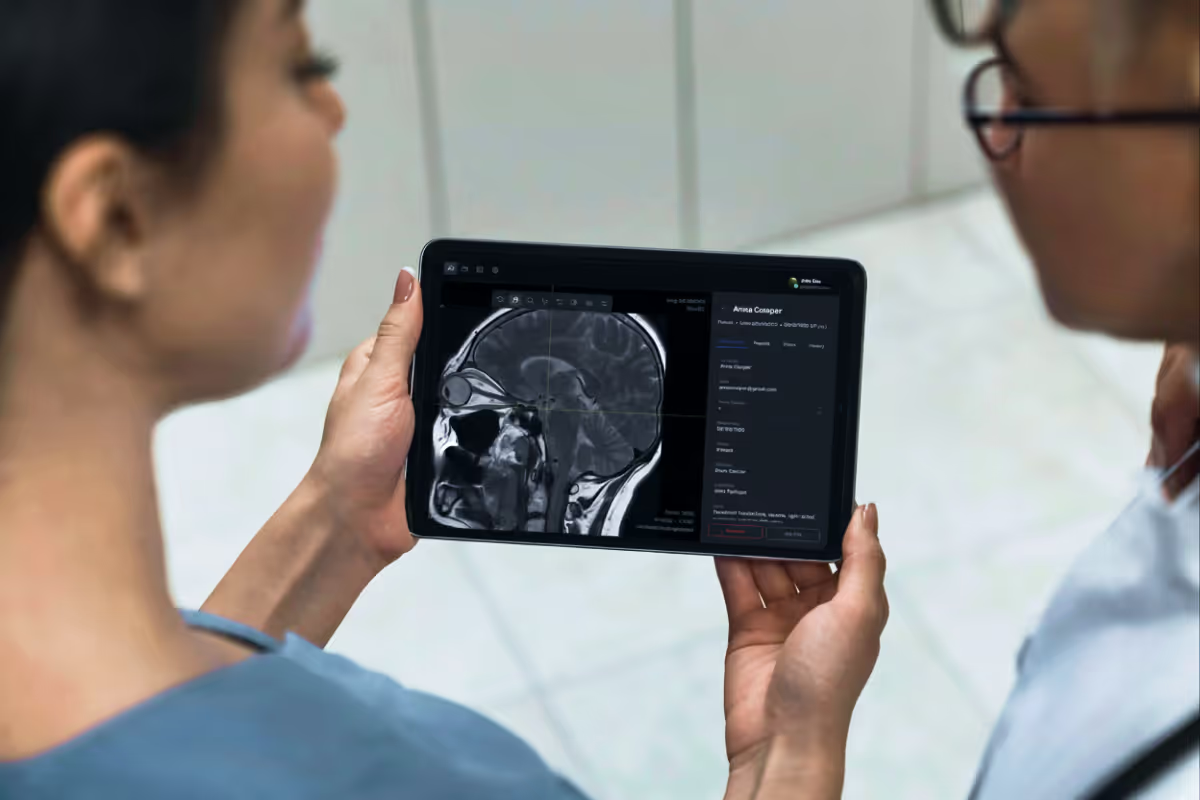
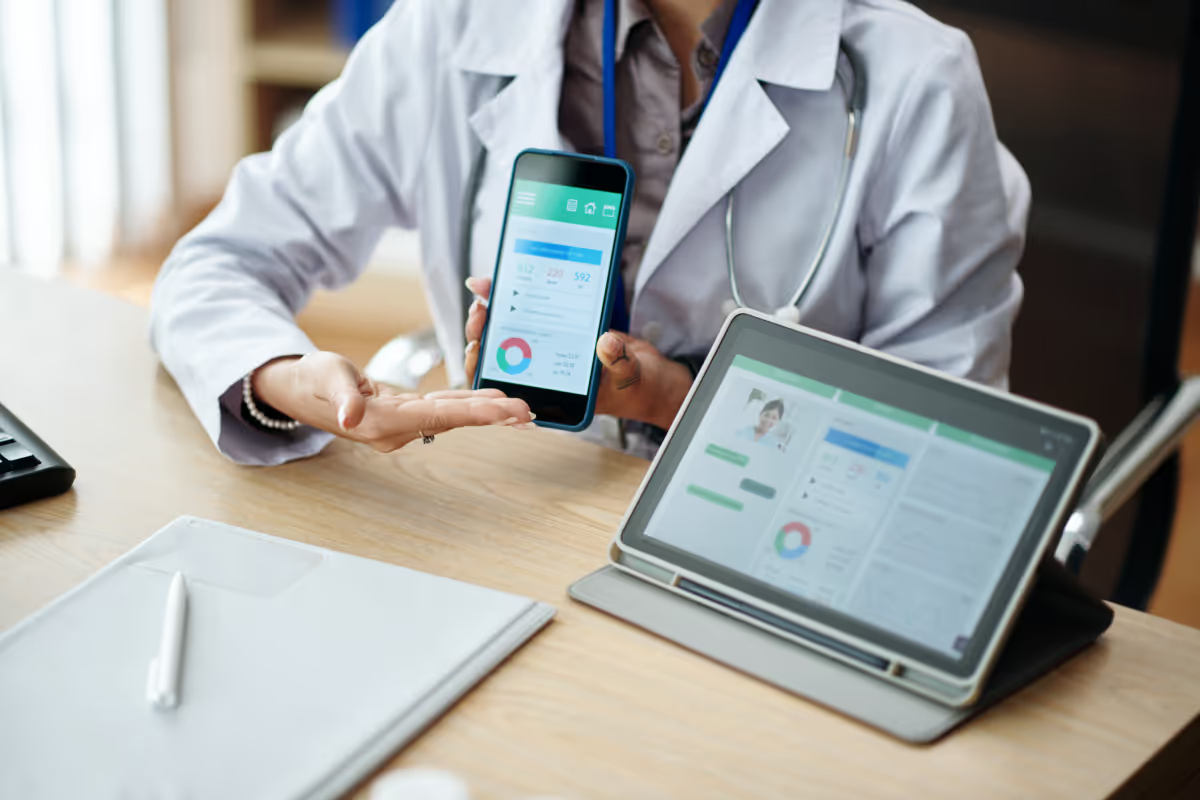
After the COVID-19 pandemic, the trend for adopting digital health solutions really picked up steam globally. According to the 2023 PatientEngagementHit research, the usage rate of patient portals reached 87%, which highlights the growing uptake of such digital healthcare solutions. This demand, in turn, underscores the importance of patient portal development.
In my role as a product manager at Uptech, I've had the chance to work closely with healthcare providers. From my experience, I can tell that developing healthcare apps like patient portals is a complex yet exciting process. It is not just about the tech; it's also about making it work for real people in their day-to-day lives.
Relying on my hands-on expertise, I will share with you information about patient portal software features, development steps, costs, and more.
What is a Patient Portal in Healthcare?
A patient portal is an interactive online hub (a mobile app or a web page) that offers 24/7 access to personal health information and medical services from any device. It bridges the communication gap between patients and healthcare providers by allowing for viewing medical records, scheduling appointments, managing prescriptions, and medical billing, etc.

For example, one patient can use a patient portal solution to review test results received from a recent visit. The best part is they don’t have to go to a healthcare facility for a follow-up appointment. Another patient may want to organize a virtual appointment with a healthcare professional due to feeling a little under the weather. Again, without visiting a doctor in person. A healthcare provider may want to adjust the treatment plan for the first patient, and the list can go on.
Such a service is convenient for both patients and healthcare providers, optimizing their communication and saving time.
Types of Patient Portals
Patient portals are typically classified based on how they integrate with core healthcare systems, particularly electronic health records (EHRs). In practice, healthcare organizations choose between standalone and integrated patient portals depending on their technical ecosystem and business goals.
Standalone patient portals
Standalone patient portals are EHR-agnostic solutions that operate independently from core clinical systems. They can be implemented as custom-built or off-the-shelf products and integrate with EHRs, scheduling systems, or billing platforms via APIs.
These portals are often chosen for their:
- flexibility in UX and feature design,
- ability to support specific patient engagement scenarios,
- faster customization without deep dependency on EHR roadmap.
Standalone portals work well for providers that want more control over the patient experience or need to extend functionality beyond what native EHR portals offer.
Integrated patient portals
Integrated patient portals are built directly into larger healthcare platforms, most commonly EHR systems. They rely on native data models and workflows, ensuring real-time access to patient records, appointments, test results, and clinical communications.
Their main advantages include:
- seamless data synchronization,
- reduced integration complexity,
- consistency across clinical and administrative workflows.
However, integrated portals are typically less flexible in terms of feature expansion, as they depend on the roadmap of the EHR solution as a whole.
Benefits of a Patient Portal
Epic Research's findings reveal that implementing patient portals reduces the duration of hospitalization by approximately 1.1 days. This, in turn, enables healthcare and insurance providers to save costs daily.
The list of advantages of a patient portal for patients includes:
- Appointment booking is convenient and possible at any time;
- Opportunity to complete essential forms from home and view information materials before the initial appointment;
- Reminders of appointments and unfilled forms;
- Flexible booking of desired doctor visit dates based on a given selection;
- Direct communication channels with the practice;
- Security of all sensitive information and data;
- Transparency of all treatment information;
- Access to all prescriptions and test results at any time without further visits to the practice.
The advantages of a patient portal for healthcare practitioners are as follows:
- Elimination of personnel costs for booking appointments;
- No necessity for telephone reminders for upcoming appointments;
- Automated provision of all necessary forms and information documents (including videos);
- Optimized patient data and trust with all information available per need throughout the entire treatment;
- Sustainability due to less printing and mailing;
- Immediate access to all prescriptions, tests, and other patient data;
- Digitalization as a quality feature is becoming a magnet for patients.
Patient portals save time and effort for practice staff and lead to higher patient satisfaction. And trust us, these are only a few of the good things that patient portal development brings to the table. Speaking of which, it’s essential to know the main steps of how to set up a patient portal before you can reap the benefits.

How to Create a Patient Portal: 6 Development Steps
While some patient portal development processes may be unique and tailored to specific requirements, below you will find 6 essential steps that you will go through to create a patient portal app or a similar healthcare software:
- Perform product discovery
- Decide on features
- Create UX/UI design
- Develop your patient portal software
- Test the patient portal app
- Launch and maintain

Let’s go through each of these steps in more detail now.
Step 1: Perform product discovery
Start the patient portal development with a thorough product discovery phase. At this point, you identify the needs, expectations, and habits of your primary users — patients, healthcare professionals, and, in some cases, administrative staff. First and foremost, you must understand how the portal can improve health management, appointment processes, and communication channels within the healthcare ecosystem.
This stage determines the services required for telemedicine, audio, and video calls, as building these from scratch can be prohibitively expensive and time-consuming. Of course, the technology stack required for the project is also discussed at the very beginning.
Another important part of the discovery process is to investigate what regulations your future product must comply with.
- HIPAA compliance is a must-have in the United States as it protects patient data privacy and security. Without it, you won’t be able to develop a patient portal.
- GDPR compliance is necessary for the same purposes for European markets.
- ADA compliance ensures the portal is accessible to users with disabilities and requires incorporating features like screen readers, keyboard navigation, and accessible content.
Since at Uptech we have developed healthcare applications, we can confirm the necessity of doing the research phase, keeping compliance and users as top priority. Explore our Product Discovery services further and discover what we have to offer.
Step 2: Decide on features
Being the heart and soul of your patient portal software, the functionality you plan to include in your final product influences many things. Firstly, missing out on important features like telemedicine, dashboards, or notifications can be fatal. Secondly, the number and complexity of features impact the cost of the patient portal development.
Keeping this in mind, feature selection should be driven by user needs, the potential impact on patient care, and compliance requirements. The goal is to create a comprehensive yet intuitive portal that addresses key aspects of patient and provider interaction. Deciding in advance what functionality should be in your patient portal will help with better estimation, roadmapping, and overall project management. We have a dedicated section explaining all the core features in detail further in the text.
Step 3. Create UX/UI Design
The design phase focuses on creating an engaging and intuitive user experience. As said earlier, special attention should be paid to ADA compliance: you develop a portal that is accessible to all users, including those with disabilities. The design should provide easy navigation and interaction, with a clear, visually appealing interface that levels up user engagement. We have more info on how to develop a UX design for healthcare apps in a separate article.
Step 4. Develop your patient portal software
This is the phase when a software development team takes the design and planned features and turns them into a functional patient portal.
It's a good practice to validate your patient portal concept by constructing a Minimum Viable Product (MVP) first with just a few core features. These are essential features that address the core needs of your users, allowing you to gather early feedback, assess the portal's effectiveness, and make informed enhancements.
The patient portal development includes both frontend and backend infrastructures while keeping a strong focus on security and privacy to meet HIPAA and GDPR standards.
From our experience, the technology stack selection relies on what platforms – iOS, Android, or web – you want to set up a patient portal for. In healthcare, it’s more common to use different types of applications to meet diverse needs. For instance, administrative tasks such as patient and doctor management are typically handled through web applications, offering a centralized platform for administrative staff to oversee operations efficiently. For the patients, applications for Android and iOS provide a more tailored and responsive experience. The apps, in turn, can be native or cross-platform, depending on the feature set and the need to utilize device capabilities.
When we work with native healthcare apps, we use platform-specific languages like Swift for iOS and Kotlin for Android. You'd want to choose native development when you need access to a wider range of libraries, better optimization, and generally higher performance.
Cross-platform development is also an option. It’s cost-effective and faster due to its write-once-run-anywhere nature, using technologies like React Native or Flutter. However, integrating certain services, such as real-time communication platforms, can be more complex in a cross-platform environment.
You can read more about native vs cross-platform development in our separate article.
Drawing on our expertise in building web components of healthcare apps, React is a popular choice. The reason for that is the rich ecosystem of pre-made, template-based libraries it offers, such as Ant Design. The libraries provide a wealth of ready-made UI components like buttons and drop-down menus, enabling rapid development and design consistency. However, you can code the web app using a different programming language of your preference.
We’d also like to point out that when hiring an outsourcing software development team, it's good to know about their expertise with programming languages and whether they offer cross-platform development, which can save you money.
A good development team always advises you on the best language and development approach to use from the start, based on your goals. If you plan to scale and support a larger user base in the future, a custom solution equipped with functionality to handle extensive data is the way to go. That’s why Uptech openly communicates with clients from the very beginning to guarantee that every project’s aspect aligns with their set goals.
For a complete picture of how these solutions are crafted, consider exploring our healthcare software development services.
Step 5. Test the patient portal app
In this phase of patient portal development, you put the application to the test to ensure that functionality, security, and user experience meet the standards and expectations. There are different kinds of testing happening, including:
- unit and integration tests to verify the performance of individual components and their interactions;
- functional testing to check if all features operate as intended, aligning with user requirements;
- security testing for compliance purposes;
- usability and performance tests to assess the portal's ease of use and responsiveness under various conditions;
- accessibility testing to guarantee that the portal works for individuals with disabilities.
This is an iterative process that involves identifying, documenting, and fixing any bugs until the portal is ready for deployment. By the way, you can outsource software testing even if you handle the development in-house. For outsourced projects, we always include QA and testing in the process.
Step 6. Launch and maintain
And of course, here comes the patient portal launch, which is a significant milestone. At the same time, you should know that the work doesn't stop there. Continuous monitoring, user feedback collection, and performance evaluation are inevitable post-launch activities.
Your development team must perform regular updates and maintenance to keep the portal secure, compliant, and aligned with user needs and healthcare advancements. Moreover, as you continue using it, your needs can grow, or you can identify new opportunities, then you can keep gradually releasing new features to the running portal.
Core Patient Portal Features
If you plan to develop a patient portal for your practice from scratch or scale the existing one, you need to make sure the solution fulfills your needs and has the core functionality in place. Typically, patient portals may include, but are not limited to, features presented here. The functionality may vary based on the user role, whether it's a patient seeking treatment, a doctor providing services, or admin staff managing the application and doctors.

Patient self-registration
This feature is the pillar of any patient portal system as it ensures secure and easy access to healthcare services and personal medical data. The registration process must be user-friendly, requiring just a few steps for completion. Otherwise, users might feel frustrated, affecting the portal's adoption rate.
It's a good practice to include several sign-up and login options like emails, phone numbers, etc. Based on the country you develop your patient portal for, it may be necessary to add an opportunity to register via electronic governance portals, too.
Account and dashboard
This feature is an extensive central hub for patients and doctors, enabling the following actions, but not limited to them.
A patient can:
- Fill in or update personal information;
- View medical data, including health records, anamnesis, test results, doctor examinations, and vaccination reports;
- Get acquainted with a treatment plan created by their doctor;
- Access additional portal features like prescription refills, online appointments, and billing services;
- Customize settings such as notifications (e.g., pause or mute alerts) and other privacy preferences.
A doctor can:
- Manage personal and professional information, e.g., adding their specialization, work experience, and other related data;
- Review and organize their daily, weekly, and monthly schedules, keeping track of appointments and availability;
- Access summaries of patient interactions, including notes from recent appointments and treatment plans, to stay informed and prepared for upcoming consultations;
- Customize dashboard settings to streamline workflow, such as setting preferences for appointment reminders, notification alerts, and data display options.
The design of the account and dashboard should be intuitive and appealing. Here's where you must prioritize appropriate UX/UI design to make the user experience better and encourage consistent portal utilization.
For example, our Dribbble shot for AI diabetes prediction platform can give you an idea of how a dashboard in healthcare apps may look to be both informative and attractive.

Telehealth and messaging system for communication
Patient portals integrate secure messaging to provide an alternative to in-person medical appointments through asynchronous or direct communication with healthcare providers. This type of exchange can be particularly beneficial for patients with chronic illnesses or mobility issues.
For example, in the US, over 133 million people live with at least one chronic disease, and they require regular checks. However, only 50% of patients diagnosed with chronic illnesses follow the prescribed treatment plans. All of this makes telemedicine super important. Not to mention patients living in remote areas.
The screens below show how we implemented in-app calls and chats in our mental health app to streamline the communication between doctors and patients.

Video and audio calls are telehealthcare services that are an inevitable part of a good patient portal. Due to the highly sensitive nature of the data processed through patient portal systems and the regulatory compliance requirements imposed on healthcare providers (first and foremost, HIPAA), all patient-physician communications must be properly secured through data encryption.
Appointment scheduling and management
Appointment management within patient portals integrates several key elements to streamline the scheduling process. First and foremost, there should be an easy-to-use calendar interface for patients and clinicians to book, cancel, and reschedule appointments and mention why they're visiting.
For example, here’s a Dribbble design concept of a doctor appointment app created by Uptech. As you can see, all the appointment aspects are present and easy to follow.

As far as the booking system goes, patients should be able to filter appointments by doctor, type, date, and clinic location, while clinicians could manage their availability by blocking slots, setting repeat appointments, and employing templates. Both parties must have the flexibility to modify appointments, with the system prompting for a new time and optional cancellation reasons.
Online payments and invoices
Patient portal features such as e-payments, medical billing queries, insurance assistance, payment history, and retrieval make it easier for healthcare institutions to manage payments. In addition to that, they provide patients with greater transparency when managing healthcare finances. By expanding these capabilities, you can not only increase patient portal usage but also monitor and manage patient collections to increase recovery rates.
Prescription request and refill
The functionality enabling to request and refill prescriptions via an app is a must. This feature is a form that can automatically populate the patient's data and send a request to prescribe or refill the meds to a physician. It typically links to a cloud-based pharmaceutical database for fast delivery and retrieval of electronic prescriptions at any connected pharmacy.
Here's how it works in many patient portals.
To request a refill, patients simply choose their doctor, select the medication, specify how often it's taken, enter their birth date for verification purposes, and add any comments and pharmacy details. After submitting the request via the patient portal, the office staff or physician receives an alert through their portal for verification and approval.
For new prescriptions, patients can consult their doctor via the portal or secure messaging, request a new prescription based on their needs, and once approved by the doctor, the prescription is electronically sent to the pharmacy, ready for pickup or delivery.
Notifications and reminders
Automated updates keep everyone informed of changes whether this is a notification for a doctor that an appointment has been rescheduled or an alert informing a patient to take the meds.
The thing is, in healthcare, notifications are not a nice-to-have feature like in many other apps; they are a must-have. It’s a good practice to dedicate a separate tab within the app’s navigation bar for clear, organized notifications like appointments, medication reminders, and other critical updates.
It’s also helpful to enable patients to sign up for alerts on openings with their preferred doctors or for specific types of appointments, ensuring they're promptly notified when opportunities arise.
Third-party integrations
By integrating the patient portal with EHR (electronic health records), EMR (electronic medical records), and CRM, healthcare providers, and admin staff can avoid repeatedly entering patient data into different systems and get a holistic picture of patients' health history. Through such integrations, you can:
- prevent the storage of fragmented or duplicate data;
- reduce human effort and error;
- cut costs of managing patient data.

In many cases, the integration happens through available APIs. However, legacy medical software integrations can be quite challenging due to varied API standards, data formats, and communication protocols.
These are just a few base features: You advance your patient portal with gamification functionality to encourage users to follow a prescribed medicine plan or add an AI assistant to provide 24/7 support.

Possible Patient Portal Development Challenges to Consider
Since Uptech is a software development company with experience building healthcare apps, we know how to set up a patient portal. Also, we know that there might be challenges during the journey. In this section, we’d like to share our thoughts on possible issues and their solutions.
Research
Understanding user needs and fitting the product to these needs is always a challenge, particularly because users can have very specific requirements. The user experience must be tailored to different groups; for example, the UX design for individuals with eating disorders will differ significantly from that for individuals with mental health issues. It's crucial to consider the users' emotions and ensure that the app's content or features do not inadvertently cause distress.
Inclusivity
Catering to users with diverse needs is essential. For example, Uptech developed an innovative solution for group chats in one of our apps, allowing users to choose from pre-made avatars instead of uploading personal photos. This approach helped reduce the pressure on users with conditions like anorexia by removing the need to reveal their physical appearance.
Additionally, products must be accessible to people with disabilities, such as those with impaired vision or hearing. Often, software like patient portals require adjustments in the form of voice-activated UI enlargement for users with vision impairments and voiceover features for blind users.
Compliance and technical challenges
Ensuring HIPAA compliance in software development is complex: It involves strict regulations on handling personal information. Developers must navigate these regulations carefully, often working with limited access to user data and considering how to integrate this securely within the app. Additionally, integrating with legacy systems like EMR poses its own set of challenges, as many of these systems are outdated yet critical for the app's functionality.
The choice of technology, especially for telemedicine features such as video and audio chats, is also a significant consideration. With time, such services may become more expensive or won’t scale in line with your solution. That’s why we highlight the importance of doing proper research and the discovery phase.
The Cost of Patient Portal Software Development
How do you set up a patient portal and how much will it cost? Well, if you have made a decision to create the best patient portal software, you must be ready for a corresponding pricing tag. While it’s impossible to calculate the exact cost of patient portal development, we’ll try to give you an approximate picture based on the market pricing and factors that impact the costs.
The cost of building a custom patient portal software can range between $120,000 - $150,000 for a single native app, say iOS. Developing for both iOS and Android can range from $160,000 to $220,000, with a single backend. A big, complex patient portal with functionality for doctors, patients, and admin staff can range from $200,000 to $300,000.
So, what factors impact the final cost?
Developer expertise significantly impacts overall costs, from hourly rates to team structure. The more intricate your desired features, like secure messaging or EHR integration, the greater the complexity and, therefore, expense. Similarly, platform choice dictates costs: building for both iOS and Android doubles initial investment, while single-platform development requires adhering to specific guidelines. No-code solutions offer lower costs, but they limit customization and scalability.
Additional elements that can influence development costs include the design's complexity, the need for third-party integrations (like payment gateways, telemedicine services, or EHR systems), data migration from existing systems, ongoing maintenance, and updates, as well as compliance with healthcare regulations like HIPAA in the US.
How Uptech Can Help You to Create a Patient Portal
Building a patient portal isn't easy, but we, at Uptech, have got your back. We are a software development company with extensive expertise in creating digital solutions for different industries, including healthcare.
Take one of our recent projects – the mental health app we built for the US market. The team consisted of only 4 specialists who created a functional and easy-to-use app for people seeking emotional support from medical professionals. Users have the functionality to schedule appointments on the app for consultations and get ongoing support. Our team also developed a backend panel for therapists to manage appointments, payments, and learning resources.
At the core of Uptech's approach is a complete understanding of the end-users — patients and healthcare providers alike. We always investigate the specific needs and challenges faced by your users to create solutions in the way to meet those needs. Our design philosophy centers around creating intuitive, accessible interfaces that simplify complex healthcare interactions.
And of course, we place great importance on the security and privacy of patient data. Our development practices adhere to the highest standards, including HIPAA compliance, to protect sensitive information against any breach.

How Do You Set Up a Patient Portal: Pro Tips
Building a patient portal doesn’t have to be overwhelming, but it does require thoughtful planning and close alignment with real healthcare workflows. Based on our experience, these principles help teams avoid common pitfalls and build portals that patients actually use.
Start with real users, not assumptions
Patient portals serve multiple audiences — patients, caregivers, and healthcare staff. Each group has different expectations and levels of digital literacy. Conduct user research early and design for clarity, accessibility, and simplicity, especially for patients managing care under stress.
Integrate with core healthcare systems intentionally
Plan integrations with EHRs, scheduling, billing, and communication systems carefully to ensure:
- accurate and timely data synchronization,
- consistent patient records across systems,
- clear ownership of data updates and error handling.
Treat security and compliance as core features
Patient portals handle sensitive health information and must meet strict security and privacy requirements. This includes:
- strong authentication and role-based access,
- encryption at rest and in transit,
- audit trails and consent management,
- compliance with regulations such as HIPAA or GDPR.
Security should be embedded into the architecture from the start, not added later.
Design for mobile-first access
Many patients access portals primarily from their phones. A responsive or mobile-first design improves accessibility, engagement, and adherence, especially for appointment management, messaging, and notifications.
Validate early through prototyping
Prototypes help validate workflows, navigation, and feature priorities before full development. This approach reduces rework, aligns stakeholders, and ensures the portal supports real-world usage.
Improve continuously after launch
Launching the portal is only the beginning. Collect user feedback, monitor adoption, and refine features over time. Patient needs, regulations, and healthcare processes evolve — your portal should too.
By following these guidelines, you can be more confident with the development process and create a patient portal that works perfectly for both patients and providers.
And for more confidence, contact us so together we can bring your company to the next level and grow fast.